SVG Sample Files
SVG (Scalable Vector Graphics) is an XML-based vector image format. Unlike raster formats (JPG, PNG), SVG images can be scaled to any size without losing quality. They are perfect for icons, logos, charts, and illustrations on the web.
Back to Example image files
Download SVG Sample Files
| File | File type | File size | Dimensions (pixels) | Mime type | Download example file |
|---|---|---|---|---|---|
| SVG Sample - Shapes | SVG | 1 KB | 400 x 300 | image/svg+xml | Download example file |
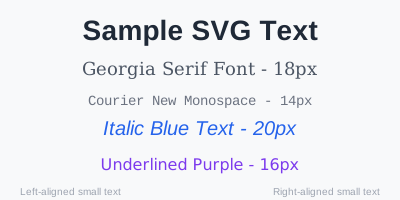
| SVG Sample - Text | SVG | 1 KB | 400 x 200 | image/svg+xml | Download example file |
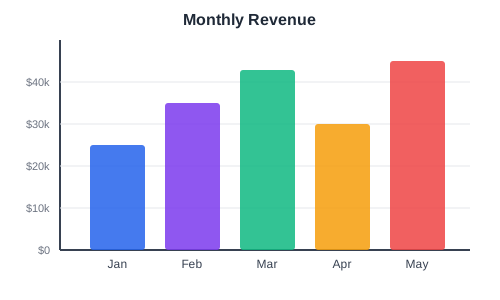
| SVG Sample - Bar Chart | SVG | 3 KB | 500 x 300 | image/svg+xml | Download example file |
| SVG Sample - Logo | SVG | 1 KB | 200 x 200 | image/svg+xml | Download example file |


What is an SVG file?
SVG (Scalable Vector Graphics) is an XML-based vector format. Instead of storing pixels, it describes shapes, paths and text as instructions, so the image scales to any size with no loss of quality. SVG files are small, can be styled with CSS, animated, and edited as plain text.
How these sample SVG files were made
Each sample is written directly as SVG XML to exercise a different feature. There is a shapes file with circles, rectangles, lines and polygons, a text file using several fonts and styles, a bar chart with axes and gridlines, and a gradient logo built from layered shapes.
Technical details
Because SVG is plain XML, the files are resolution-independent and usually tiny. They can be embedded directly in HTML, referenced as an image, styled with CSS and manipulated with JavaScript. They are best suited to logos, icons, charts and other line-based artwork rather than photographs.
Common uses
Use these files to test SVG rendering and sanitisation, icon and logo handling, inline versus referenced SVG, or vector graphics pipelines.